
Pixxel
Documentation
Developer Guide
Pixxel API
Overview
About PixxelPixxel's ConstellationPixxel's Tech Demonstrators

Getting Started
AuroraQuick Start

Tasking
Tasking Basics

Know Your Customer (KYC)Know Your Business (KYB)Navigation to Order DeskInitiating a New Tasking Order

Available BandsetsCustom Bandsets
Ordering and Cart
Archive OrderingWorking with CartOrder Listing, Status and Details
Catalog and Delivery
My CatalogExport ImageryNaming Convention
Explore Images & Create AOIs
ExploreSearch Location and Draw/Upload AOISearch and Select ImagesSatellite DataAOI Info and Scenes
Analytics Tools

Spectral SignatureSplit Compare
Analytical Models
Insights in Aurora (AOI Screen)Model Marketplace

Workflows
Workflow and Jobs
Aurora Intelligence
OverviewImage Search
Legal Documents
Third Party Satellite Provider Documents
Pixxel
Documentation
Developer Guide
Pixxel API
Overview
About PixxelPixxel's ConstellationPixxel's Tech Demonstrators

Getting Started
AuroraQuick Start

Tasking
Tasking Basics

Know Your Customer (KYC)Know Your Business (KYB)Navigation to Order DeskInitiating a New Tasking Order

Available BandsetsCustom Bandsets
Ordering and Cart
Archive OrderingWorking with CartOrder Listing, Status and Details
Catalog and Delivery
My CatalogExport ImageryNaming Convention
Explore Images & Create AOIs
ExploreSearch Location and Draw/Upload AOISearch and Select ImagesSatellite DataAOI Info and Scenes
Analytics Tools

Spectral SignatureSplit Compare
Analytical Models
Insights in Aurora (AOI Screen)Model Marketplace

Workflows
Workflow and Jobs
Aurora Intelligence
OverviewImage Search
Legal Documents
Third Party Satellite Provider Documents
  1. Tasking
  2. Access the Order Desk
  3. Know Your Business (KYB)

Know Your Business (KYB)

Before you can access the Order Desk, you must complete the Know Your Business (KYB) process. This verification ensures that your business is authenticated and compliant with regulatory requirements, allowing you to access all platform functionalities securely.

If you are an individual, please go the the Know Your Customer page.

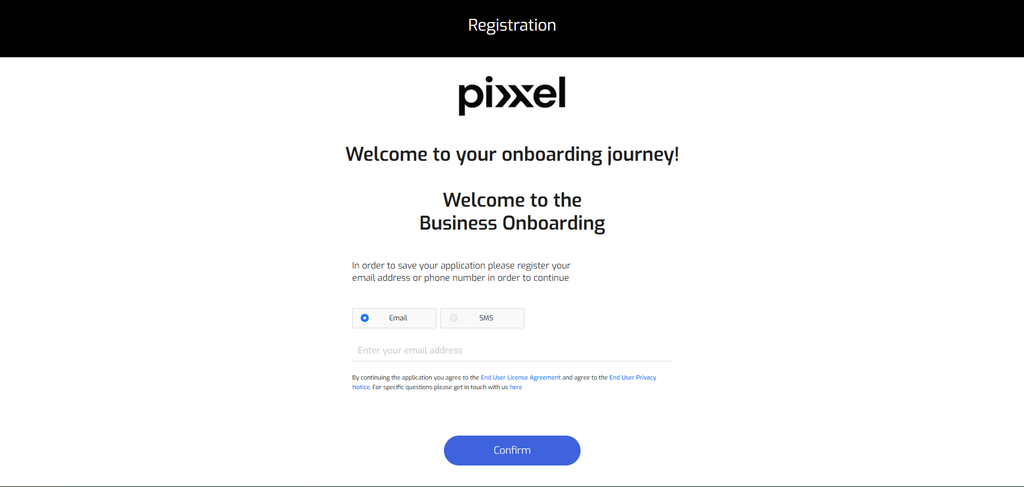
1. Register your email/contact number in order to save application
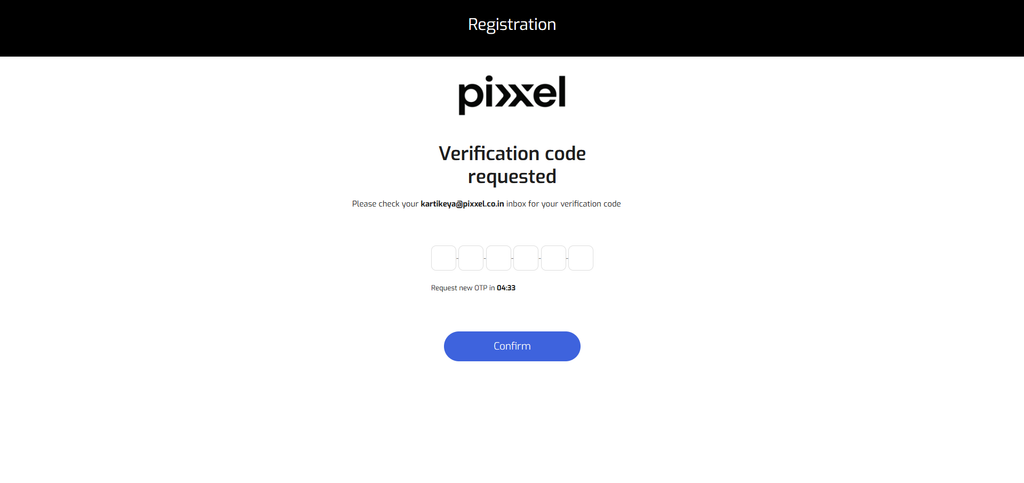
2. Verify the OTP code
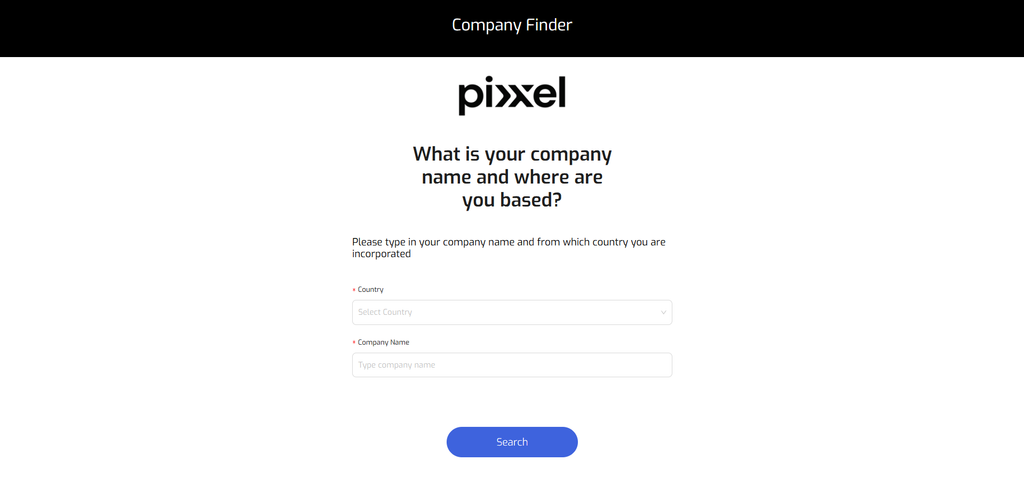
3. Enter the Name of the company and the country it is registered in.

You can choose your company from the cards that are available once you have entered the company name.
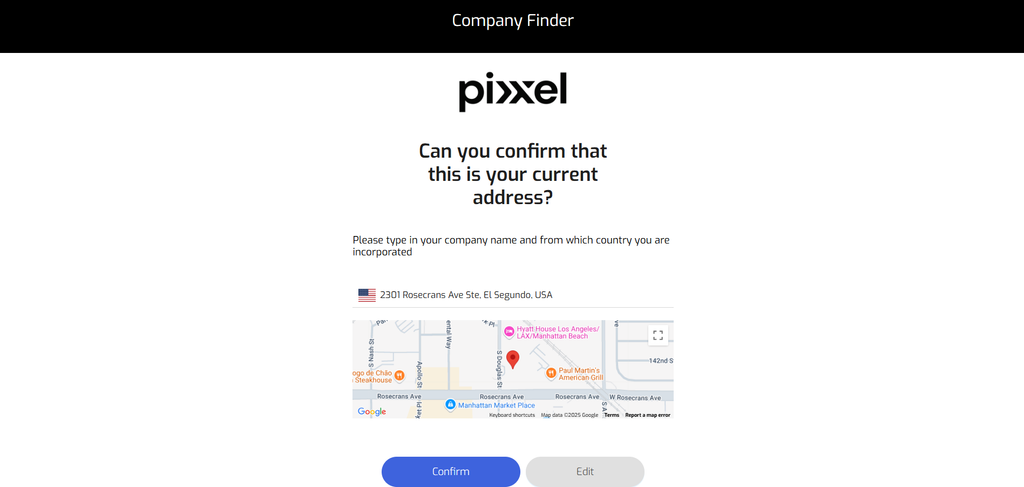
4. Confirm the address that the company is registered at.
5. Enter the business website of your company

6. Once completing the previous steps, you can either exit the KYB process, or proceed to uploading supporting documents.

You can upload a supporting document on the following page and leave a note for any additional information.
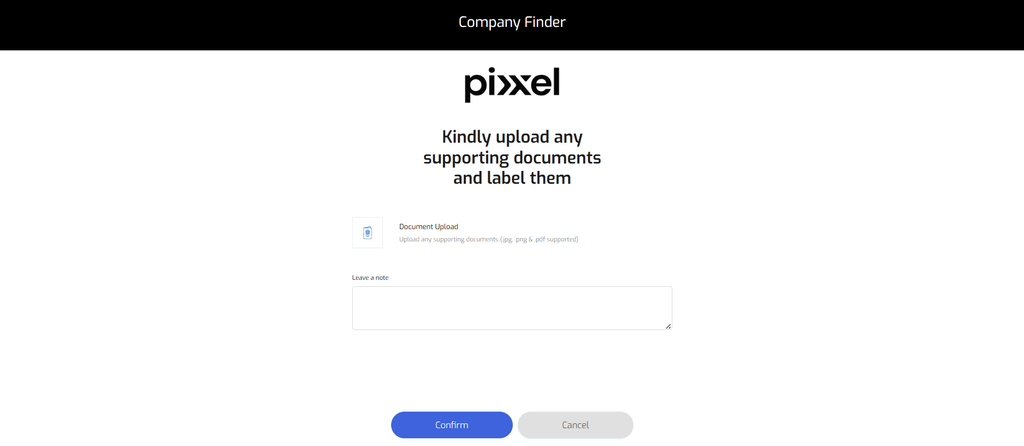
After uploading all required documents, please wait for the verification process to be completed. The organization owner will recieve a notification via mail KYC Status update: under review which means that the information and documents submitted are under review.

Once verified, your account will be fully enabled for all platform functionalities. The organization owner will recieve the following notification via mail Congratulations! Your onboarding request has been approved! which means that KYC verification is complete and the organization has full access to the Order Desk for tasking and archives.

Know Your Customer (KYC)Navigation to Order Desk
On this page
1. Register your email/contact number in order to save application2. Verify the OTP code3. Enter the Name of the company and the country it is registered in.4. Confirm the address that the company is registered at.5. Enter the business website of your company6. Once completing the previous steps, you can either exit the KYB process, or proceed to uploading supporting documents.