Pixxel
Documentation
Developer Guide
Pixxel API
Overview
About PixxelPixxel's ConstellationPixxel's Tech Demonstrators

Getting Started
AuroraQuick Start

Pricing OverviewPlansTokens

Payment MethodsRefunds
Tasking
Tasking Basics

Available BandsetsCustom Bandsets
Ordering and Cart
Archive OrderingWorking with CartOrder Listing, Status and Details
Catalog and Delivery
My CatalogExport ImageryNaming Convention
Explore Images & Create AOIs
ExploreSearch Location and Draw/Upload AOISearch and Select ImagesSatellite DataAOI Info and Scenes
Analytics Tools

Spectral SignatureSplit Compare
Analytical Models
Insights in Aurora (AOI Screen)Model Marketplace

Workflows
Workflow and Jobs
Aurora Intelligence
OverviewImage Search
Legal Documents
Third Party Satellite Provider Documents
Pixxel
Documentation
Developer Guide
Pixxel API
Overview
About PixxelPixxel's ConstellationPixxel's Tech Demonstrators

Getting Started
AuroraQuick Start

Pricing OverviewPlansTokens

Payment MethodsRefunds
Tasking
Tasking Basics

Available BandsetsCustom Bandsets
Ordering and Cart
Archive OrderingWorking with CartOrder Listing, Status and Details
Catalog and Delivery
My CatalogExport ImageryNaming Convention
Explore Images & Create AOIs
ExploreSearch Location and Draw/Upload AOISearch and Select ImagesSatellite DataAOI Info and Scenes
Analytics Tools

Spectral SignatureSplit Compare
Analytical Models
Insights in Aurora (AOI Screen)Model Marketplace

Workflows
Workflow and Jobs
Aurora Intelligence
OverviewImage Search
Legal Documents
Third Party Satellite Provider Documents
  1. Getting Started
  2. Pricing and Refund
  3. Tokens

Tokens

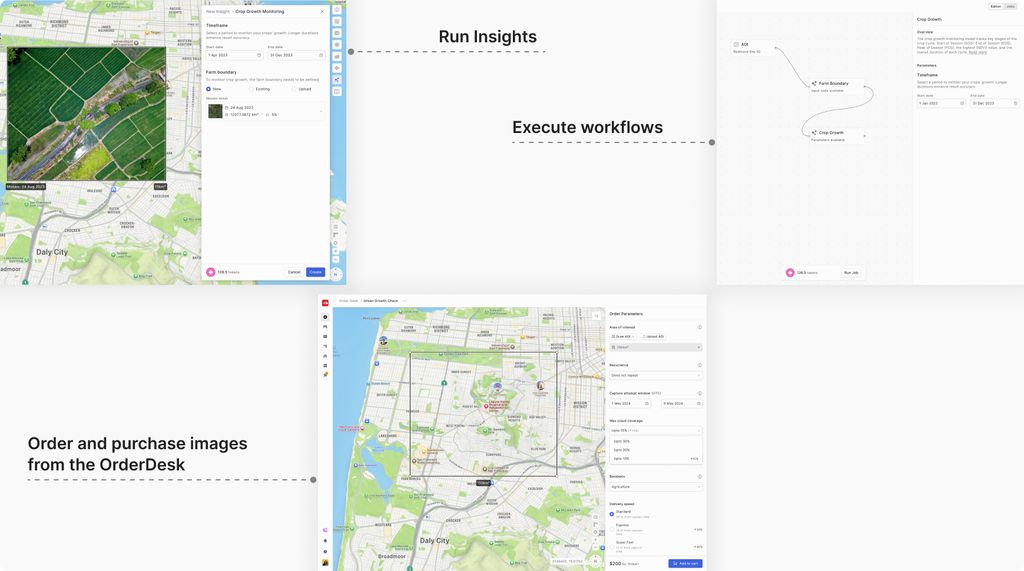
Tokens are the virtual currency used withing our platform to perform various operations including:

  • Running insights.
  • Executing workflows
  • Ordering and purchasing images from the OrderDesk

Each token is equivalent to $1 USD, making it a simple and transparent way to manage costs across the platform.
Who can purchase Tokens?

Only Workspace Owners and Workspace Admins are authorized to purchase tokens on behalf of the entire workspace. Once purchased, these tokens can be used by all workspace members to order images and to run models & workflows.

Purchasing Tokens

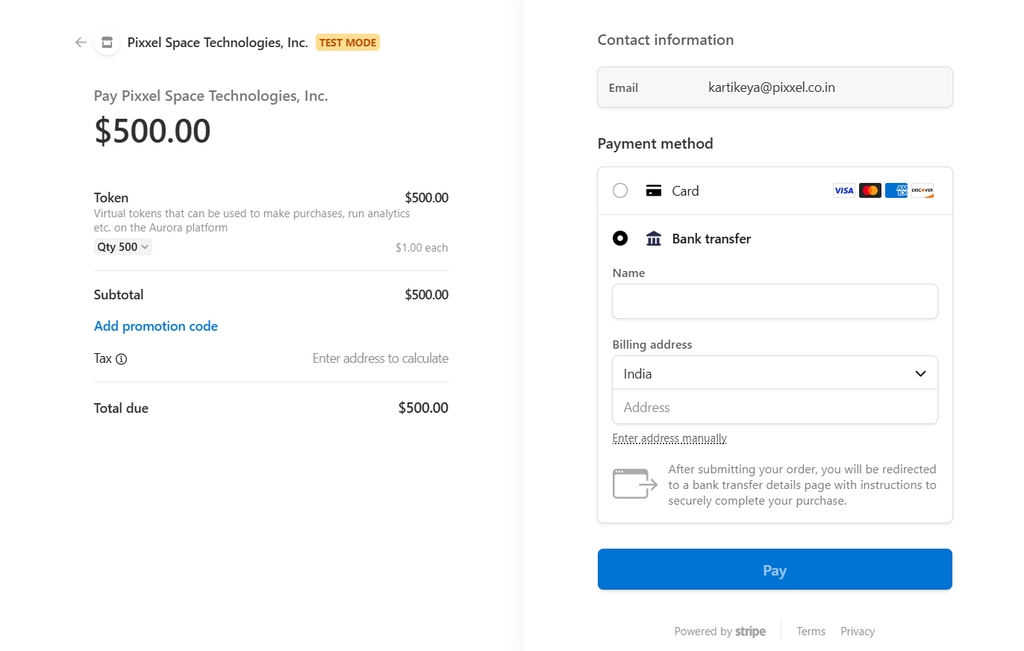
Tokens can be purchased through Stripe with two available payment methods:

  • Credit/Debit Card (Visa, Mastercard, American Express, etc.)
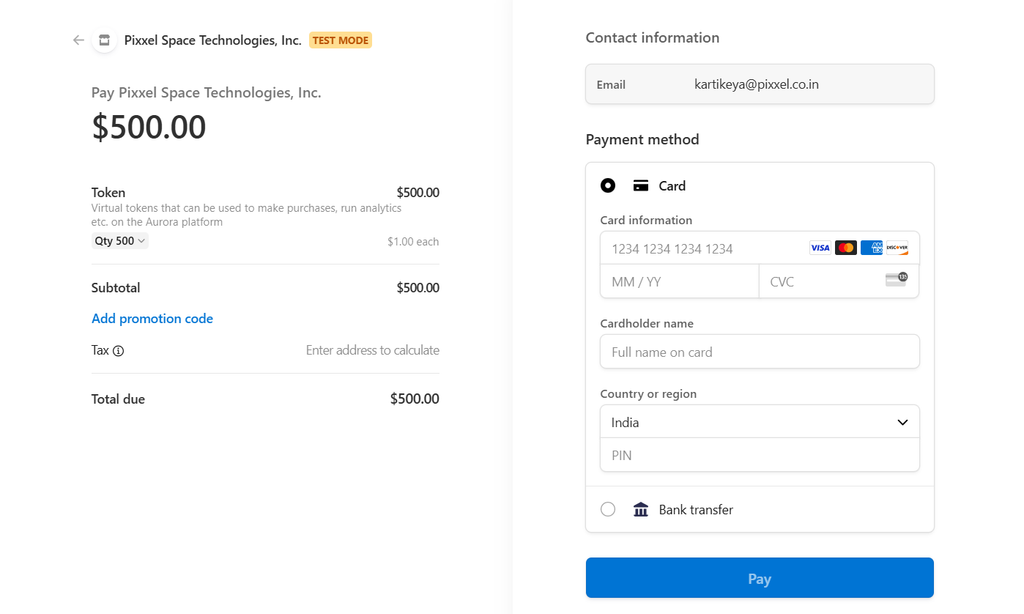
  • Bank Transfer

Steps to buy tokens

  • Select the Number of Tokens

    Choose the quantity of tokens you want to purchase. Since 1 token = $1, the total cost will be calculated automatically.

  • Enter Contact Information

    Ensure that your email address is correct, as this will be used for purchase confirmation and receipts.

  • Choose a Payment Method

    For card payment, you need to enter your card details, including card number, expiry date, CVV code, etc. If you want to choose Bank Transfer, you need to select the bank transfer option and follow the instructions for completing the payment.

  • Apply a Promotion Code (if applicable)

    If you have a valid promo code, enter it to avail discounts or additional benefits.

  • Confirm and Complete the Payment

    Click the Pay button to finalize the purchase.

Upon successful payment, the purchased tokens will be credited to your workspace's account.

PlansTasking Images
On this page
Who can purchase Tokens?Purchasing TokensSteps to buy tokens